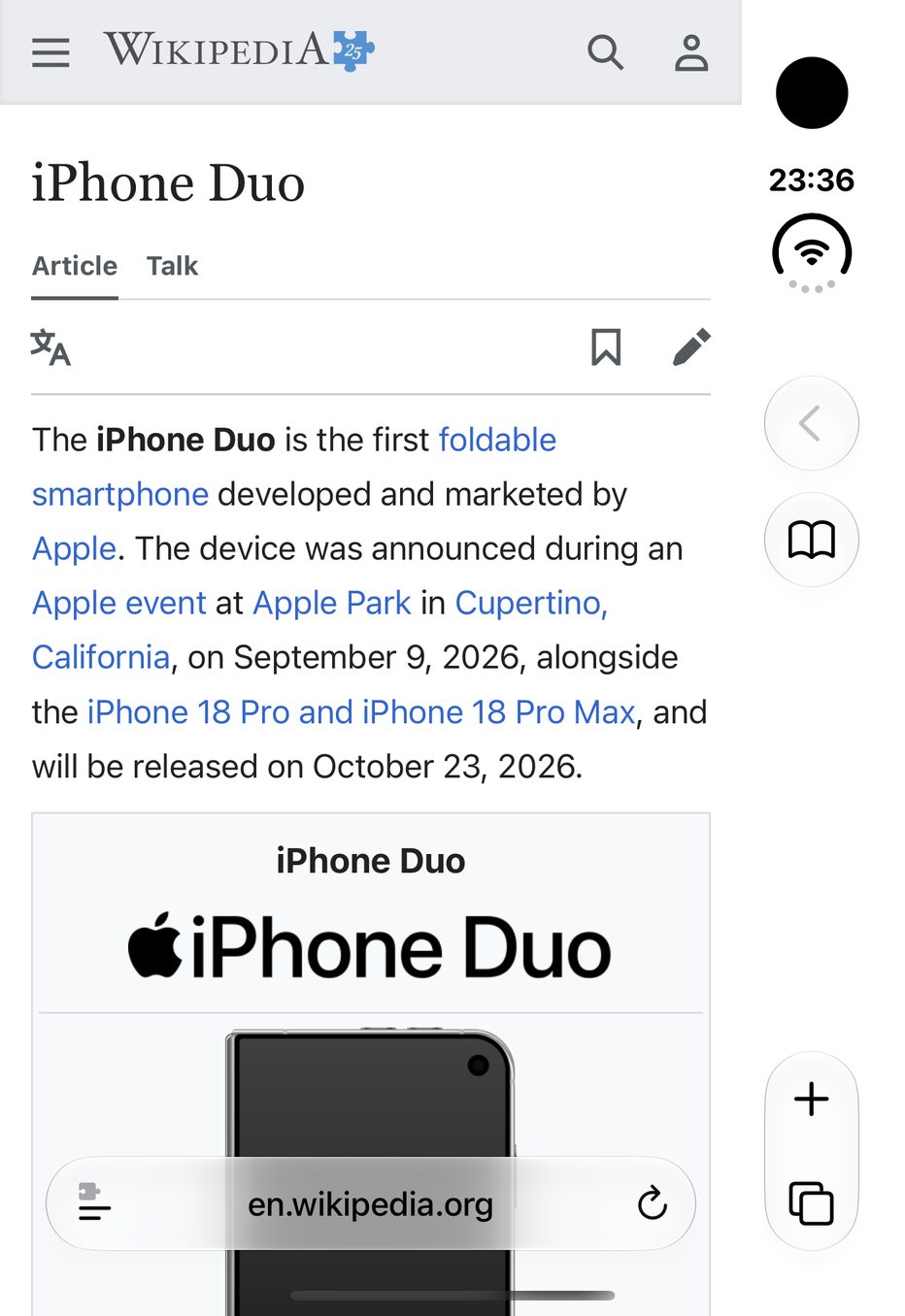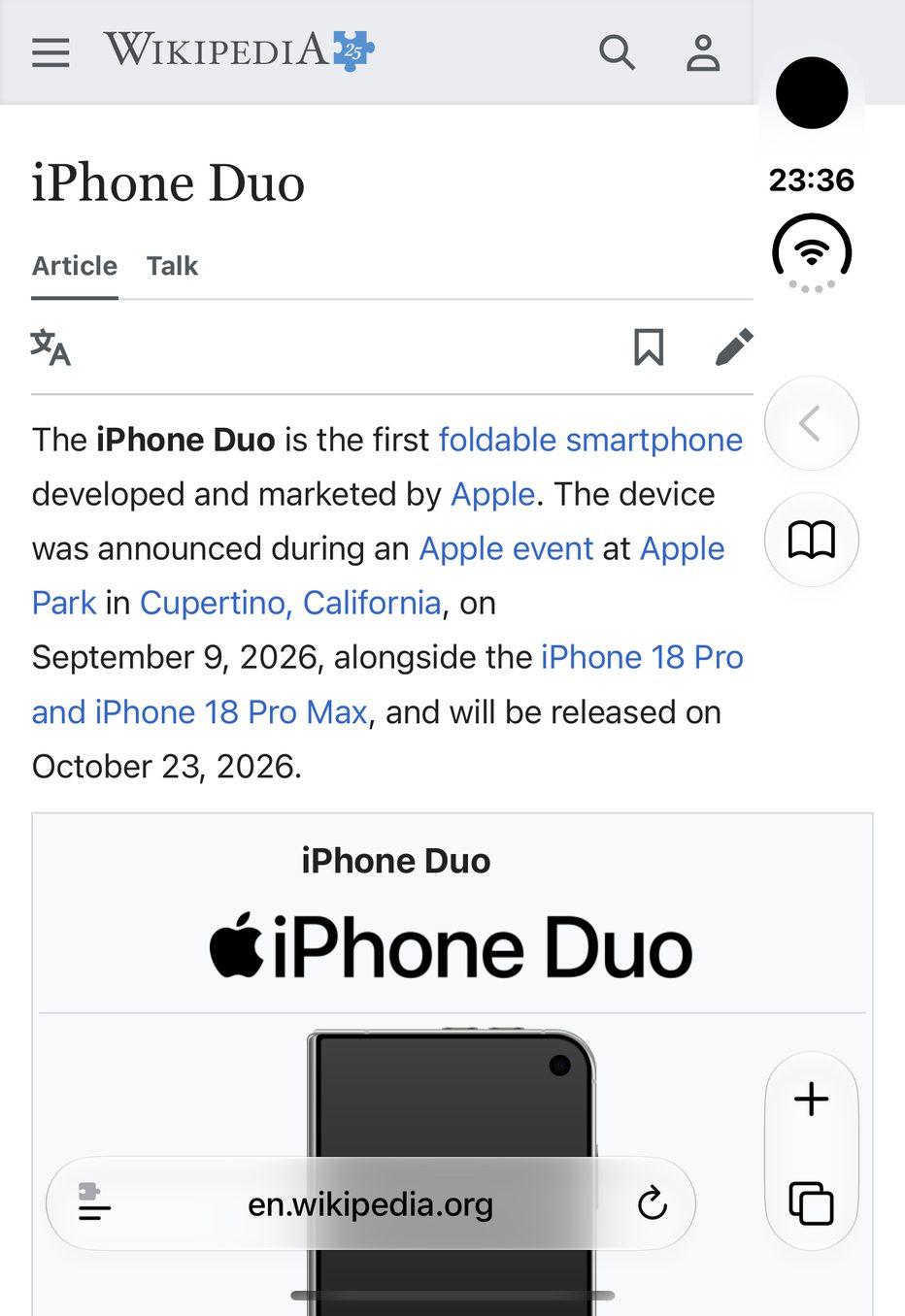
Close your iPhone Duo and Safari gives up nearly a fifth of the outer display. Widen gets it back.
With the Duo closed, Safari stacks its buttons in a narrow column by the camera, and every website stops well short of it. That’s a band about 250 pixels wide showing nothing. Widen is a compact Safari extension that lets pictures, tables and page backgrounds run to the edge of the outer display, and text right up to Safari’s buttons.
Screenshot: Wikipedia, CC BY-SA 4.0
Stretching a page is the easy part. Widen spends most of its effort on what happens next.
Portrait or landscape, it’s the same. When you turn the Duo so Safari’s buttons end up on the left, Widen swaps sides with them. And when you open the Duo, Widen goes quiet: the inner display doesn’t need it.
Simpler extensions for the Duo give you just one on/off switch for every site. Widen gives you three choices, Off, Pictures and Pictures & text, then adds the things you only miss once you’ve used them.
Tap Open Safari Settings. iOS only lets you, not apps, switch on a Safari extension, so this takes you to the right switch.
Switch Allow Extension on, then choose Allow under All Websites.
With the Duo closed, tap the menu button in Safari’s address bar, choose Widen, then choose Pictures.
Free for your first week.
Then US$3.99 for lifetime access.
Your week starts on the day you first turn Widen on in Safari; downloading and setting up don’t count, so install it whenever suits. Keep it by buying in the app: one purchase covers every Duo on your Apple Account. Outside the US, the App Store sets the equivalent price in your currency.
Which phones, which browsers, what happens after the free week? Read the FAQ